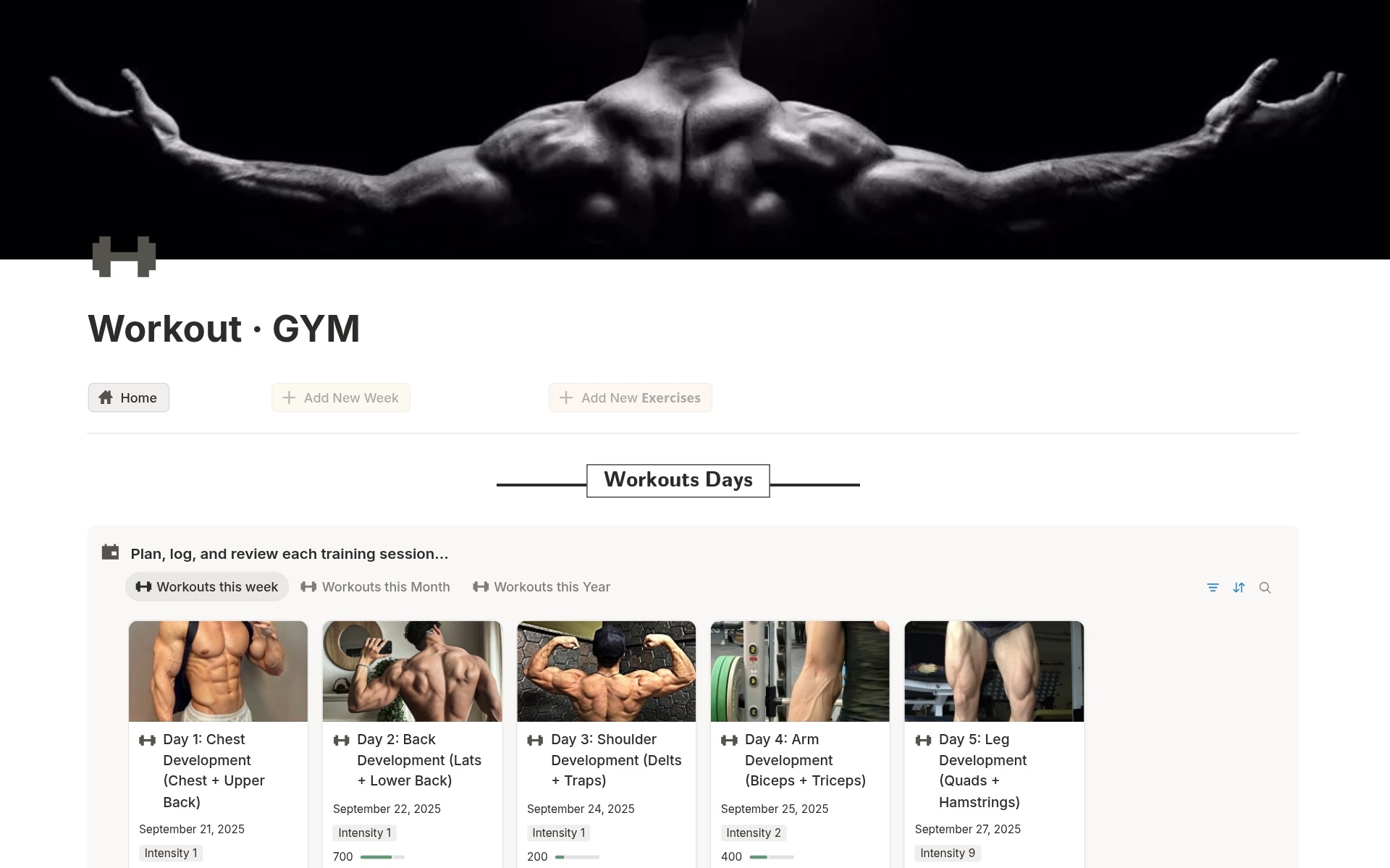
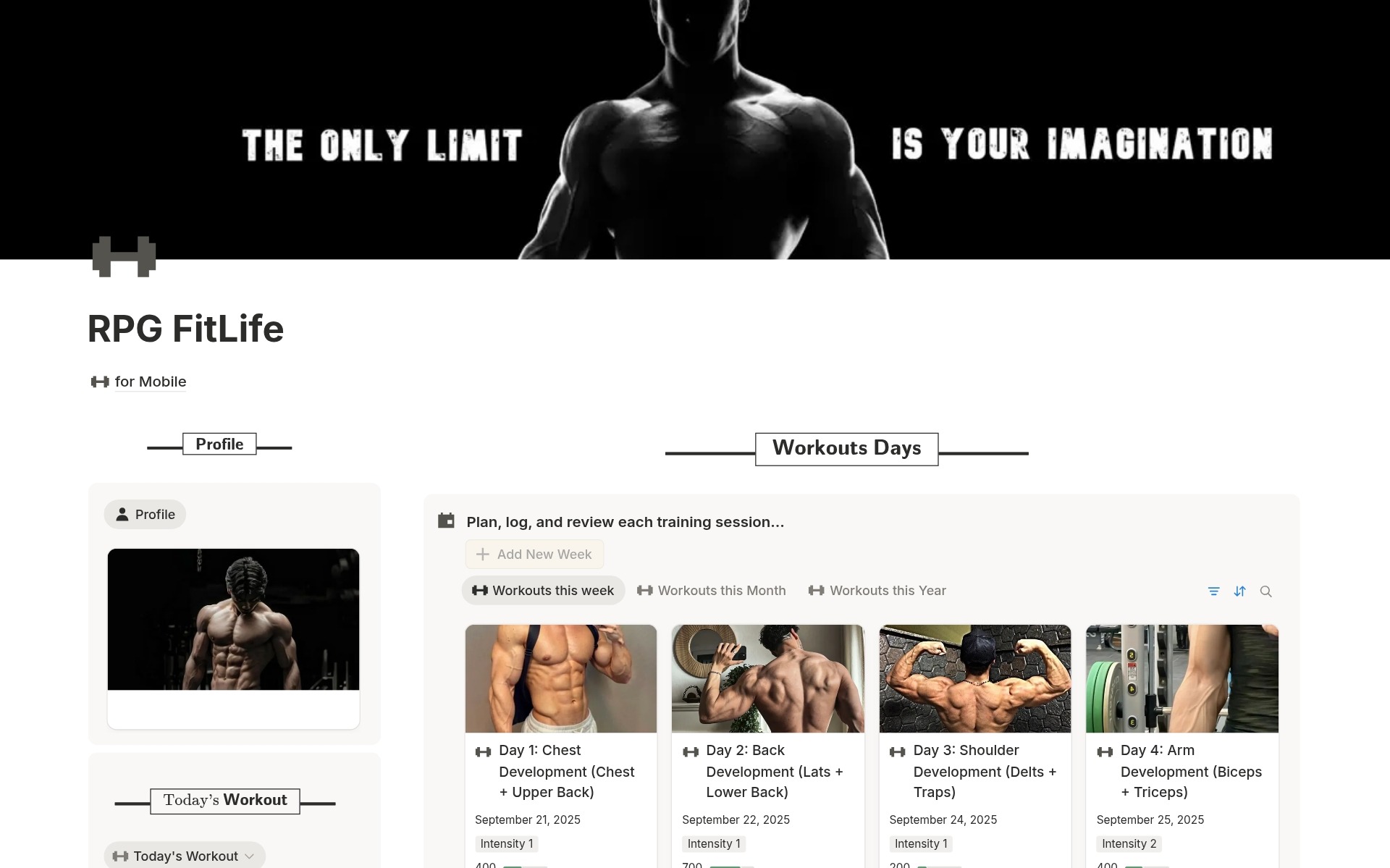
Notion is a workspace where you can write notes, manage tasks, and build simple or advanced systems in one place.
You can use it for personal life, studying, business, content, and team work without jumping between apps.
It works on web, desktop, and mobile so your pages stay synced on all your devices.
Most people love it because they can design their own dashboards instead of being stuck with fixed apps.
A Notion template from Notion Done is a ready‑made system that you duplicate into your own workspace.
It can include dashboards, databases, views, tags, and automations already connected for you.
You don’t start from a blank page.
You start from a structure that is already tested and refined.
Then you customize names, views, and sections so it fits your life.
In simple words:
– You open the link.
– You hit Duplicate.
– You make it yours.
Short answer: No.
You can use Notion Done templates on the free Notion plan.
Here’s how it works:
– Create a free Notion account.
– Open the template link.
– Click Duplicate to add it to your workspace.
A paid Notion plan is only useful if you:
– Work with larger teams.
– Need more file storage.
– Want advanced collaboration features.
If you are a solo user or student, the free plan is usually more than enough for every Notion Done template.
After you complete your purchase, a few things happen in order.
1- You see a Notion access link on the confirmation page.
2- You also get the same link by email.
3- You click the link and the template opens in Notion.
4- You click Duplicate in the top‑right corner to copy it into your workspace.
From there you can:
– Rename pages.
– Change icons and covers.
– Adjust views and filters.
– Delete sections you do not need.
You keep lifetime access to your own copy inside your Notion account.
Notion Done is created by Dr RAED.
A doctor and digital creator who runs real work, studies, and content through Notion every day.
The idea is simple.
Build systems that work in real life first.
Then turn them into templates other people can use.
Notion Done focuses on:
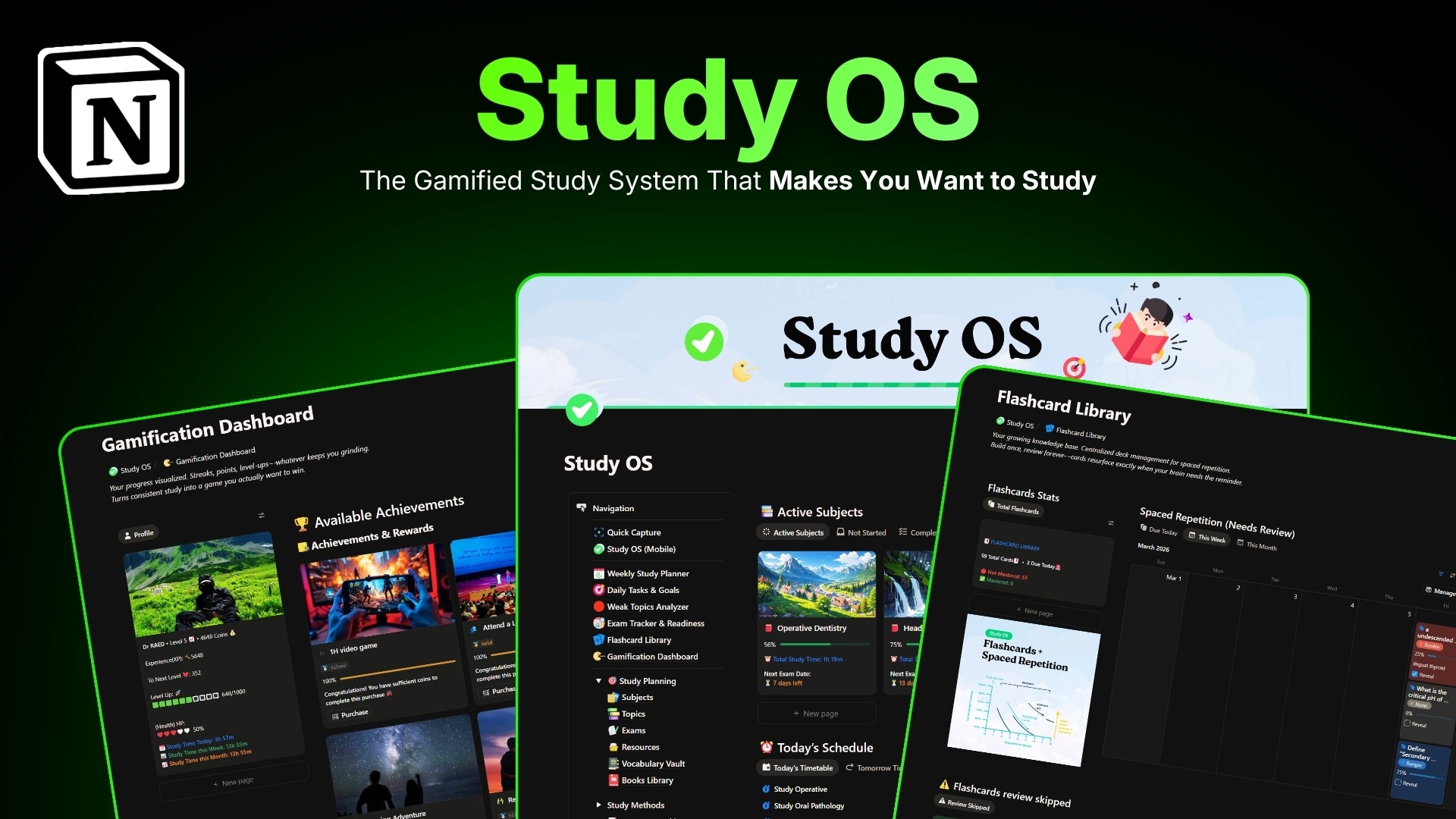
– Study systems for students and professionals.
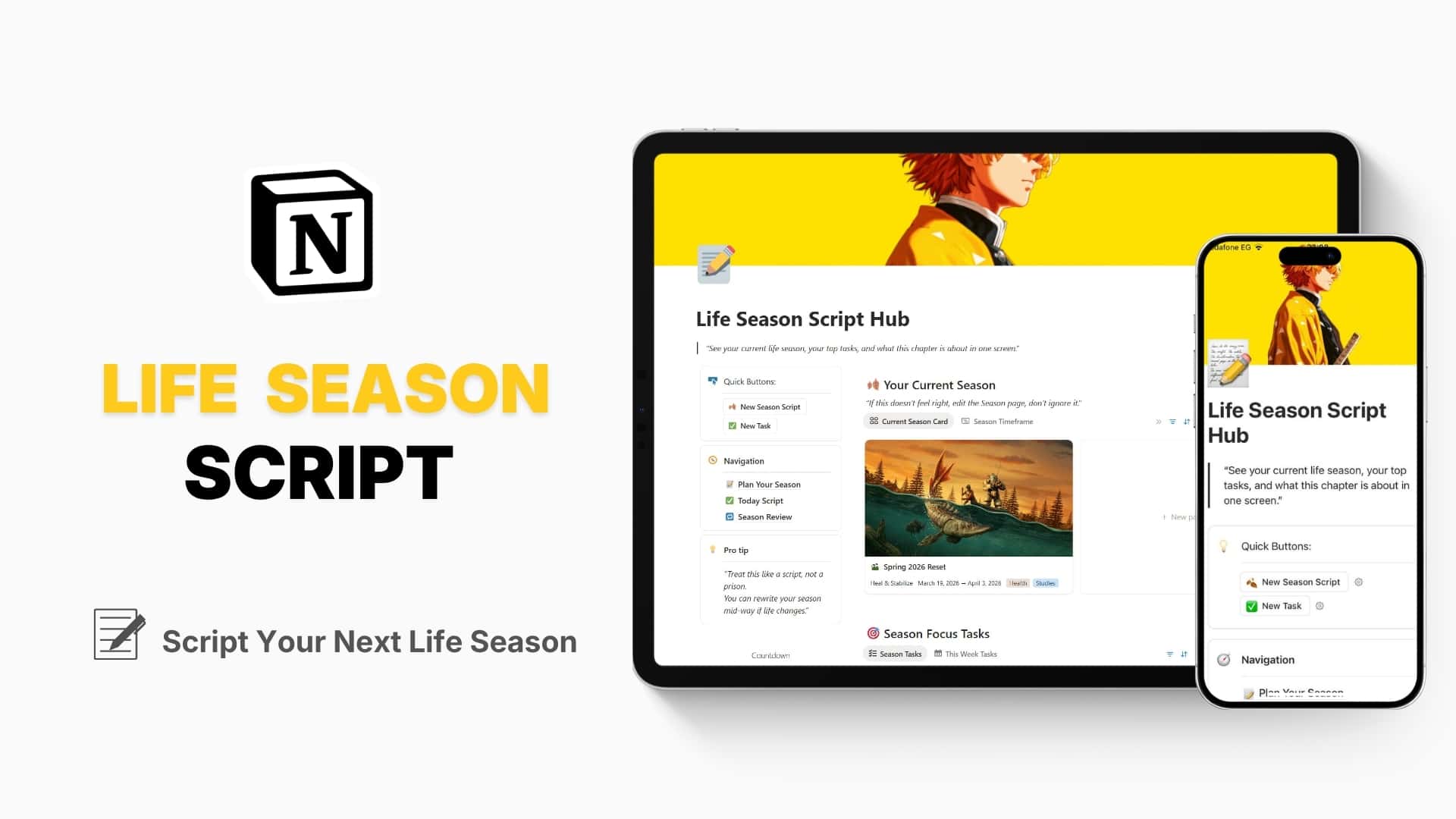
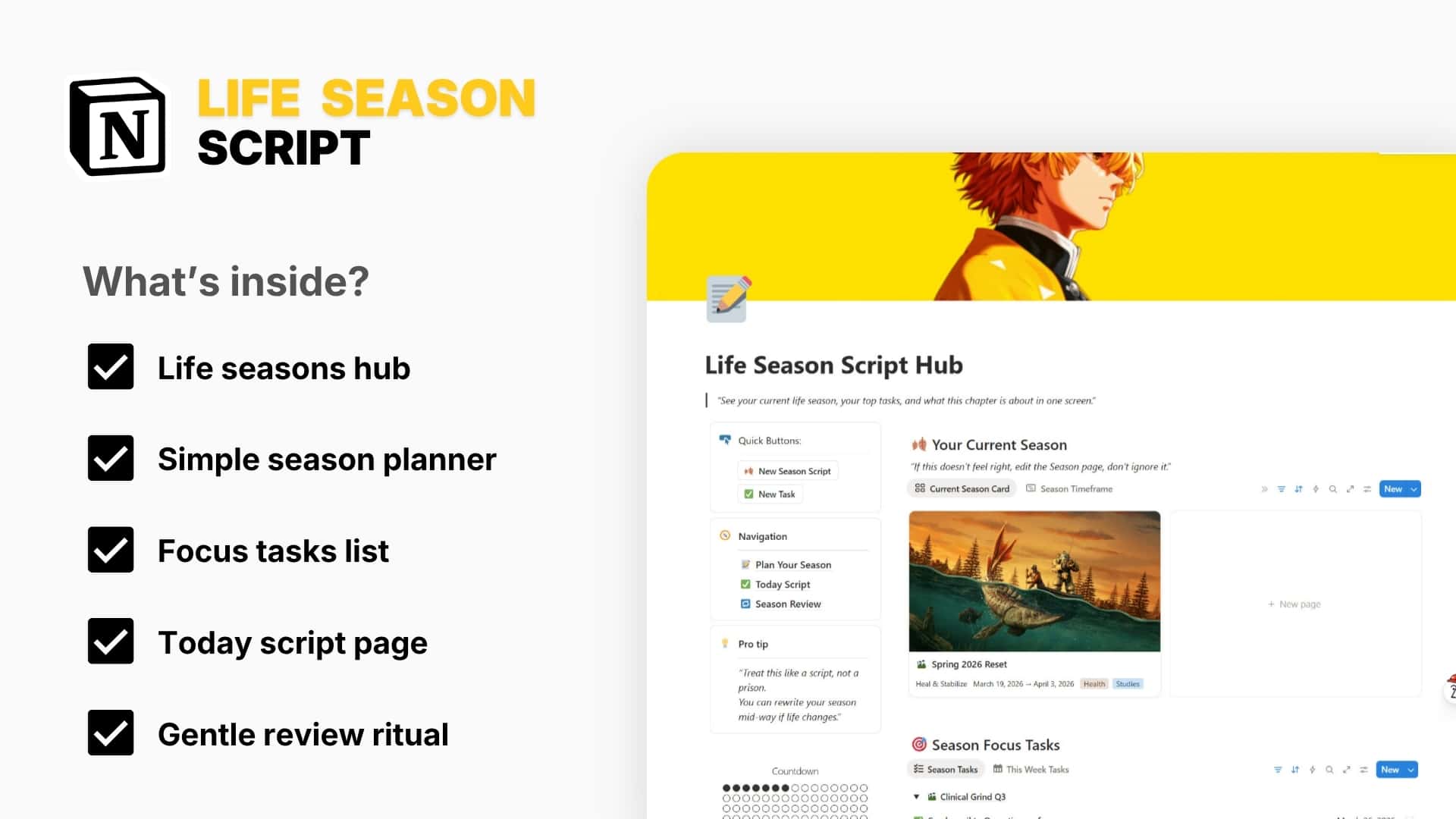
– Life dashboards that keep everything in one place.
– Creator and business setups that stay simple but powerful.
Every template is built and used in an actual workflow before it lands in the shop.
Yes, every Notion Done template is fully editable once you duplicate it.
You can:
– Change page names and emojis.
– Add or remove database properties.
– Create new filtered views for your style.
– Hide parts you don’t need right now.
The goal is not to lock you into a rigid system.
The goal is to give you a strong starting point that you can shape around your life.
Yes, they are built so new Notion users can start fast.
To make it easy, you get:
– Clear page structure with simple names.
– Short instructions inside the template.
– Beginner‑friendly views you can’t easily break.
If you already know Notion well, you can still go deeper.
You can open the databases, add relations, and build your own extra layers on top.
Yes, you can use every Notion Done template on:
– Desktop app.
– Web browser.
– Mobile and tablet apps.
Most layouts are designed to stay clean and usable on small screens.
For heavy setup and deep editing, desktop is easier.
For quick check‑ins, logging tasks, and tracking habits, mobile works great.
You can use Notion Done templates in both ways.
For solo users:
– Use them as your personal command center.
– Keep study, work, and life in one dashboard.
If you plan to use them with a bigger team, a paid Notion plan can make sharing smoother.
Yes, when a Notion Done template gets a major update, you will be able to access the new version.
Because Notion works by duplication, your existing copy will not auto‑change.
This means your personal data stays safe and untouched.
When a big update is released, you can:
– Duplicate the new version.
– Move your existing data across if you want.
– Or keep using your current version if it already works for you.
Yes, you can apply to become an affiliate and earn commission when people buy through your link.
This is perfect if you:
– Make content about Notion or productivity.
– Run a study or creator community.
– Write newsletters or blog posts about workflows.
You:
1- Apply for the Notion Done affiliate program.
2- Get your unique link.
3- Share it in your content.
When someone buys through your link, you earn a cut of the sale.
If something is not clear, you can always reach out.
You can:
– Use the contact form on the site.
– Reply to any store email you received.
– Or send a message through linked social accounts (X, Instagram).
Ask about:
– Which template fits your situation.
– How to adapt a system to your workflow.
– Or small tweaks you want to make but are not sure how.
The goal of Notion Done is simple.
Get you from “messy and scattered” to “clear and organized” inside Notion, with as little friction as possible.
Choose your template, click “Buy,” complete checkout, and you’ll get an instant download link and access page by email.
No, all Notion Done templates work with the free Notion plan.
Open the access link, click “Duplicate” in the top‑right corner of the Notion page, and it will be copied to your own workspace.
Yes, once it’s in your Notion workspace, you can use it on any device logged into your Notion account.
You can pay securely with major debit/credit cards, and depending on your region, additional local methods may be available at checkout.
All payments are processed by trusted third‑party processors with encrypted connections, and Notion Done never sees or stores your card details.
No, each template is a one‑time purchase unless clearly labeled as a subscription or membership.
Sometimes we run special launches or student discounts; if a coupon is active, you can enter it at checkout before paying.
Check your spam/junk folder first, then search your inbox for “Notion Done” and your payment provider.
If nothing shows up after 10–15 minutes, contact us with your name and order email.
Make sure you are logged into your Notion account in the browser, refresh the page, then try again.
If it still fails, send us a screenshot and we’ll fix access for you.
Yes, reach out with your order details and the new email, and we’ll update your access.
Because templates are digital and accessible instantly, refunds are generally not offered after download,
except in special cases like duplicate purchases or technical issues we cannot solve.
If something is broken or doesn’t match the description, contact us within a clear time window (for example, 7–14 days)
and we’ll fix it or discuss a refund.
We don’t offer direct exchanges, but in some cases we can provide a discount if you decide to upgrade to a bigger system.
Yes, you can edit pages, databases, views, and formulas to match your own workflow. That’s the whole point of using Notion.
When we improve a template you’ve bought, we’ll send update instructions or an updated version at no extra cost.
Yes, you can contact us via the support form or email, and we’ll help you set up or troubleshoot the template.
You can use it as an internal system in your agency or business,
but you cannot resell the template itself or include it as a downloadable product.
If you have an issue or question that requires immediate assistance, you can click the button below to chat live with a Customer Service representative.
Sign up for early Sale access plus tailored new arrivals, trends and promotions. To opt out, click unsubscribe in our emails.