Manage clients, projects, and meetings in one clean workspace with this Client Portal Notion Template.
Designed for freelancers, consultants, service providers, agencies, and client-based businesses, this Notion system helps you organize your client information, track active projects, manage meetings, and keep your workflow simple, professional, and easy to maintain.
Instead of spreading client work across notes, messages, spreadsheets, and random documents, this template gives you one central dashboard for everything your client business needs.
The Problem
Client work can quickly become messy.
You may have:
Client details saved in different places
Project notes scattered across pages
Meeting records that are hard to find later
No simple way to connect clients, projects, and meetings
A growing business without a clean operating system
This makes it harder to stay organized, follow up on time, and look professional when managing multiple clients.
The Result
With this template, you get a structured Notion client management system that helps you:
Keep all client information in one place
Track projects by client
Organize meetings and notes
Navigate your client workspace quickly
Build a more professional freelance or agency workflow
Save time by using a ready-made system instead of building from scratch
It is simple enough for daily use, but structured enough to support a growing client-based business.
Key Features
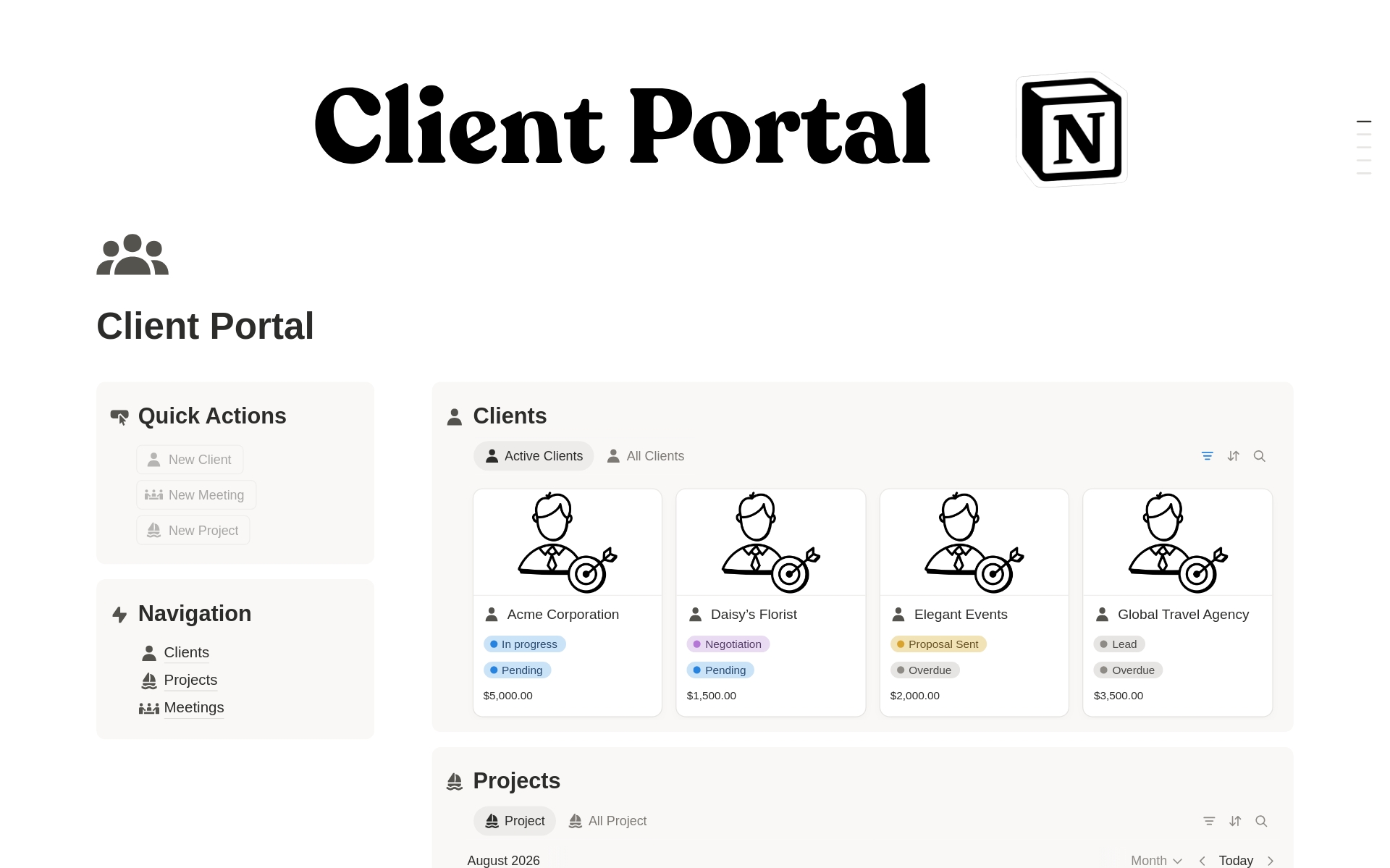
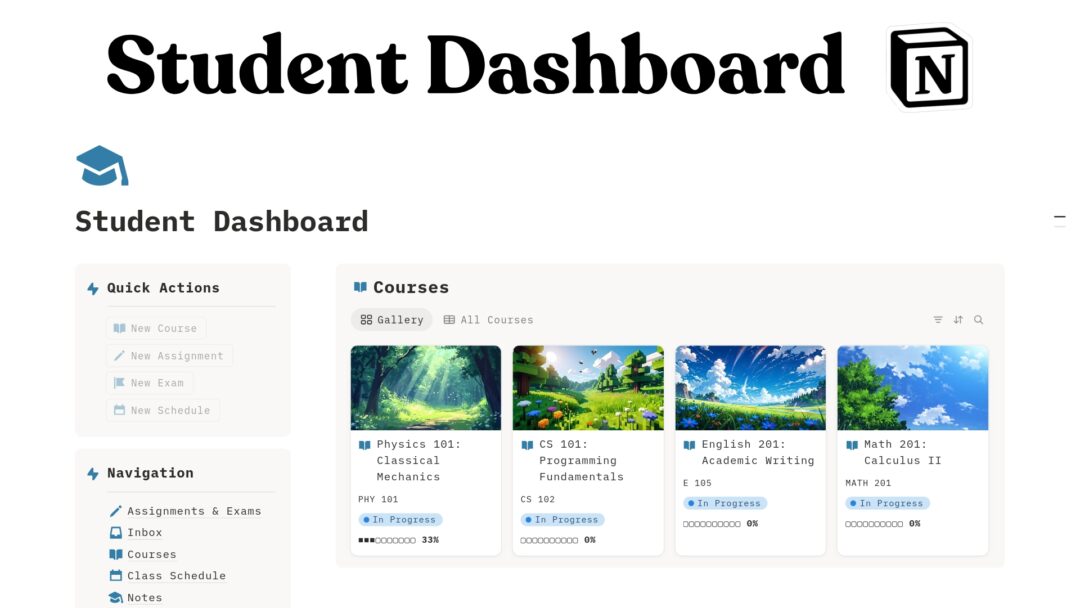
Client Dashboard A central home base for managing client work inside Notion.
Client Database Store client names, details, status, contact information, and related business information.
Project Tracker Organize projects connected to your clients so you can see what is active, pending, or completed.
Meeting Hub Keep meeting notes, calls, check-ins, and client discussions organized in one place.
Quick Actions Section Quickly add or access important client, project, and meeting records.
Navigation Sidebar Move between Clients, Projects, and Meetings without getting lost.
Clean Notion Layout Built with a simple professional structure that is easy to customize.
Freelancer-Friendly System Useful for solo freelancers, consultants, coaches, designers, marketers, developers, and small agencies.
Who It Is For
This template is perfect for:
Freelancers
Consultants
Coaches
Designers
Developers
Social media managers
Marketing service providers
Virtual assistants
Small agencies
Client-based businesses
Notion users who want a simple client management system
It is especially useful if you work with multiple clients and need a central place to manage client relationships, project progress, and meeting history.
What’s Included
This Notion template includes:
Main Client Portal dashboard
Clients database
Projects database
Meetings database
Quick action area
Navigation section
Client management workspace
Project organization system
Meeting tracking area
Clean dashboard layout
Customizable Notion structure
How It Works
Duplicate the template into your Notion workspace After purchase, open the template link and duplicate it into your own Notion account.
Add your clients Use the Clients database to store your client information.
Create projects Add client projects and connect them to the right client.
Track meetings Add meeting notes, calls, updates, or check-ins inside the Meetings database.
Use the dashboard daily Open the Client Portal dashboard to see your core client workflow in one place.
Customize as needed Adjust properties, views, sections, and labels to match your business process.
Use Cases
You can use this template to:
Manage freelance clients
Track agency projects
Organize consulting work
Keep client meeting notes
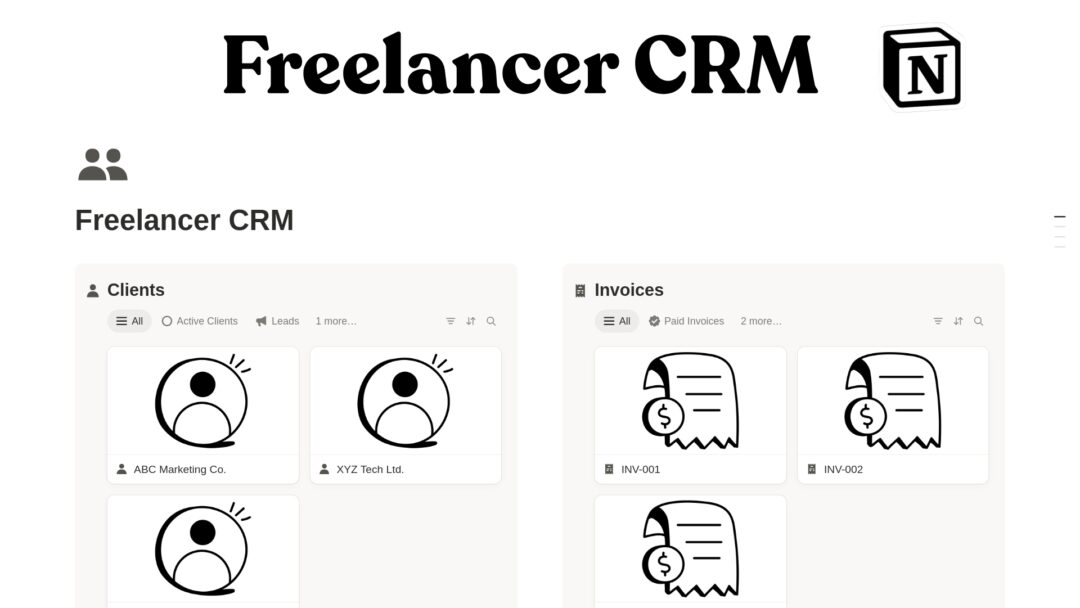
Build a simple CRM in Notion
Manage onboarding conversations
Track project history
Prepare for client calls
Centralize client communication notes
Create a professional client operations hub
Requirements and Compatibility
Requires a free or paid Notion account
Works on Notion desktop, web, tablet, and mobile
Compatible with personal and team Notion workspaces
No coding required
No third-party tools required
Beginner-friendly, but customizable for advanced Notion users
Important Notes
This is a digital Notion template.
No physical product will be shipped.
You will receive access to a Notion template link.
After purchase, duplicate the template into your own Notion workspace.
You can customize the template to fit your workflow.
Basic knowledge of Notion is helpful, but the template is designed to be easy to use.
This template does not automatically sync with email, contracts, invoices, or external project management tools unless you manually add those workflows.
Call to Action
Start managing your client work with more clarity and less scattered information.
Duplicate the Client Portal Notion Template today and build a clean, professional system for clients, projects, and meetings inside Notion.
FAQs
What is this template for?
This template is for managing client information, projects, and meetings in Notion. It helps freelancers, consultants, and service providers keep their client work organized in one central dashboard.
Do I need a paid Notion account?
No. You can use this template with a free Notion account. Some advanced Notion features may depend on your Notion plan, but the core template works without a paid plan.
Can I customize the template?
Yes. You can edit the databases, properties, views, icons, sections, and layout to match your own workflow.
Is this good for freelancers?
Yes. This template is designed especially for freelancers and client-based professionals who need a simple way to manage clients, projects, and meetings.
Is this suitable for agencies?
Yes. Small agencies can use it to organize clients, projects, and meetings. Larger teams may want to expand it with task management, onboarding, invoices, contracts, or team assignment features.
Does this template include automations?
The template is focused on organization and client workflow structure. It does not require automation tools to work.
Can I use this for client onboarding?
Yes. You can use it as a starting point for client onboarding by adding onboarding stages, checklists, forms, or task views.
Can clients access this portal?
By default, this is a workspace for you or your team. You can choose to share specific pages with clients through Notion’s sharing settings if you want to create a client-facing portal.
What happens after purchase?
You will receive a Notion template link. Open the link, click duplicate, and add it to your own Notion workspace.
Is this a physical product?
No. This is a digital Notion template. No physical item will be delivered.
Reviews
There are no reviews yet.
Only logged in customers who have purchased this product may leave a review.

Reviews
There are no reviews yet.