/
/
Assignment Tracker Notion Template

Assignment Tracker Notion Template

$0.00

Stay on top of every assignment, deadline, and subject in one simple Notion dashboard.

1,089 sold

Stay on top of every assignment, deadline, and subject in one simple Notion dashboard.

The Assignment Tracker Notion Template is a clean, student-friendly workspace designed to help you organize homework, track due dates, manage subjects, and keep your school workload under control.
Instead of losing assignments across notebooks, apps, screenshots, emails, and class portals, this template gives you one central place to plan what needs to be done, see what is coming next, and stay focused on your priorities.
Whether you are in school, college, university, online courses, or self-study, this Notion template helps you turn scattered academic tasks into a clear system you can actually use every day.

The Problem

Managing assignments can quickly become overwhelming when:
Deadlines are spread across different platforms
Homework is written in random notes or messages
You forget which subject an assignment belongs to
You do not have a clear view of what is due soon
You waste time deciding what to work on next
You feel behind because everything is unorganized
Without a simple system, it is easy to miss deadlines, underestimate your workload, or feel stressed before exams and submission dates.

The Result

With this Assignment Tracker, you can:
See all assignments in one organized dashboard
Track each assignment by subject
Add due dates, statuses, and priority details
Quickly plan what needs attention first
Organize your academic workload with less stress
Build a repeatable study and homework management routine
The goal is simple: know what is due, what matters most, and what to work on next.

Key Features

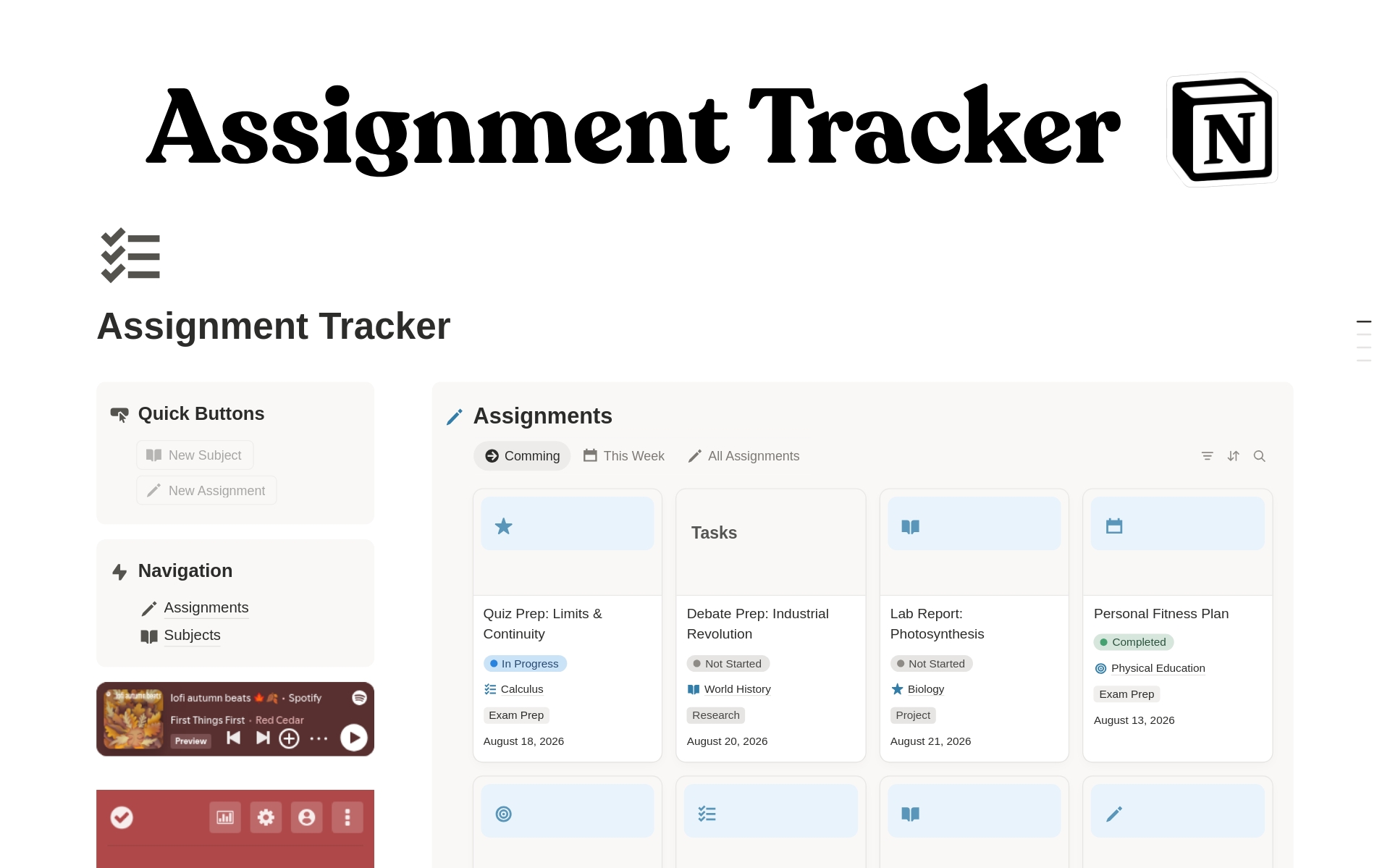
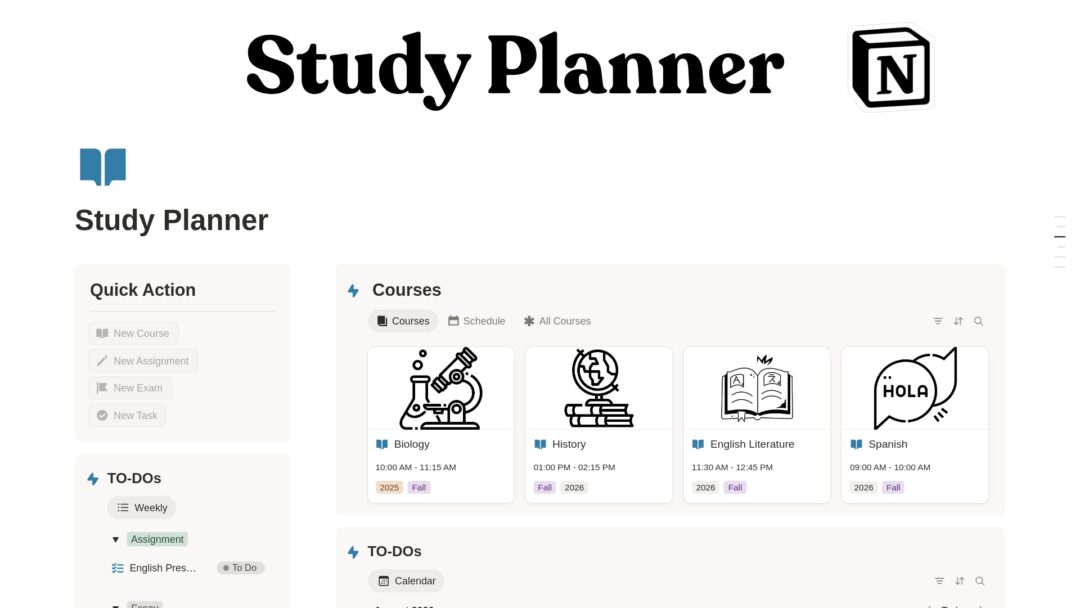
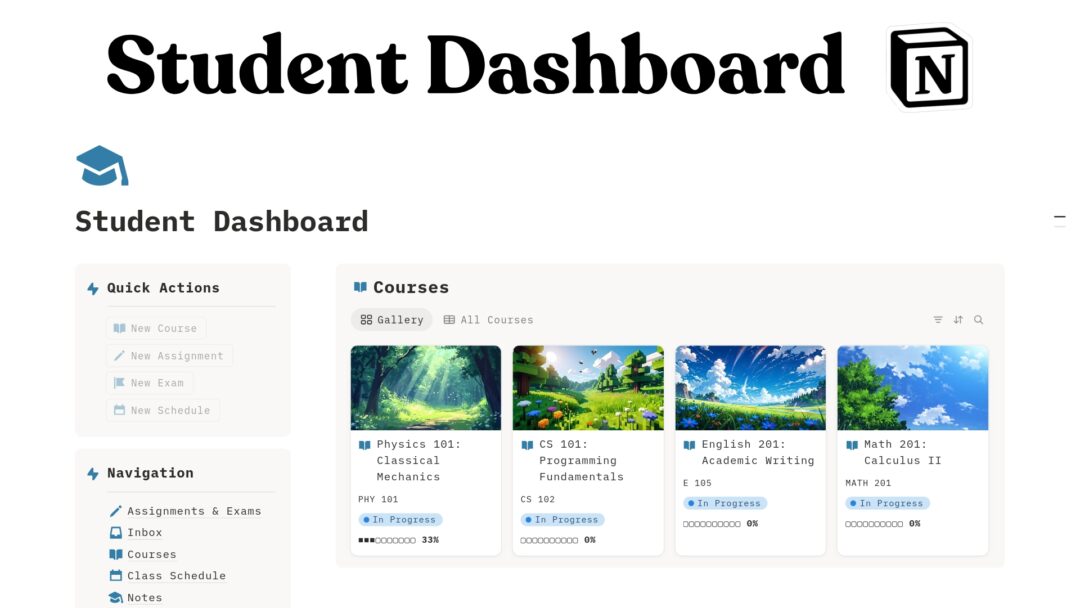
Assignment Dashboard Manage all homework, projects, essays, exams, and coursework from one central view.
Subject Tracker Organize assignments by class, course, or subject so everything stays connected.
Deadline Management Add due dates and keep track of upcoming work before it becomes urgent.
Status Tracking Track assignments from not started to in progress to completed.
Quick Buttons Add new assignments and subjects faster with built-in quick actions.
Simple Navigation Move easily between the main dashboard, assignments database, and subjects database.
Focus-Friendly Layout A clean Notion structure designed to reduce clutter and help you focus on schoolwork.
Study Support Embeds Includes space for focus tools such as a Pomodoro timer and study playlist.
Beginner-Friendly Design Easy to duplicate, edit, and customize even if you are new to Notion.

Who This Template Is For

This template is perfect for:
Students managing homework and deadlines
College and university students
High school students
Online course learners
Self-study learners
Busy students balancing multiple subjects
Students who want a simple academic planner
Anyone who wants a clean Notion assignment organizer
It is especially useful if you want a lightweight system that is easy to maintain instead of a complicated student dashboard with too many sections.

What’s Included

Inside the template, you get:
Main Assignment Tracker dashboard
Assignments database
Subjects database
Quick add buttons
Assignment management section
Subject organization section
Built-in navigation area
Focus playlist embed
Pomodoro timer embed
Clean student-friendly layout
Customizable Notion workspace structure

How It Works

Duplicate the template into your Notion workspace After purchase, open the template link and duplicate it to your own Notion account.
Add your subjects Create your classes, courses, or study areas in the Subjects database.
Add your assignments Enter homework, essays, projects, exams, readings, or other tasks into the Assignments database.
Set deadlines and status Add due dates and update progress as you work.
Use the dashboard daily Check what is due, what needs attention, and what you have already completed.
Customize it to fit your workflow Rename sections, add properties, adjust views, or personalize the layout.

Use Cases

You can use this Notion template to:
Track homework deadlines
Organize college assignments
Manage university coursework
Plan school projects
Track essays and research papers
Organize online course tasks
Manage subject-specific assignments
Build a weekly study routine
Prepare for exams and submissions
Replace scattered notes with one academic dashboard

Requirements and Compatibility

Requires a free or paid Notion account
Works on Notion desktop, web, tablet, and mobile
Compatible with Windows, Mac, iOS, Android, and browser access
No extra software required
Beginner-friendly and fully customizable
Digital product only — no physical item will be shipped

Important Notes

This is a Notion template, not a standalone app.
You need a Notion account to use it.
After purchase, you will receive access to a template link.
You can duplicate the template into your own workspace and edit it freely.
The template is for personal use unless otherwise stated by your license terms.
Due to the digital nature of the product, refunds may not be available after access is provided.
This template does not automatically connect to your school portal or learning management system.
You are responsible for entering and updating your assignments manually.
Take control of your schoolwork with a simple, organized assignment system.
Duplicate the Assignment Tracker Notion Template today and start managing your assignments, subjects, and deadlines in one clean workspace.

FAQs

What is the Assignment Tracker Notion Template?

It is a digital Notion workspace designed to help students organize assignments, subjects, due dates, and academic tasks in one place.

Do I need a paid Notion account?

No. You can use this template with a free Notion account.

Is this template beginner-friendly?

Yes. The layout is simple, clean, and easy to customize, even if you are new to Notion.

Can I customize the template?

Yes. You can rename sections, change properties, add new views, adjust databases, and personalize the design after duplicating it.

Can I use it for college or university?

Yes. It works well for high school, college, university, online learning, and self-study.

Does it automatically import assignments from my school platform?

No. This template does not automatically sync with school portals or learning management systems. You add and update assignments manually.

Can I use it on mobile?

Yes. Notion works on desktop, web, iOS, Android, and tablets.

What will I receive after purchase?

You will receive a Notion template link that you can open and duplicate into your own Notion workspace.

Is this a physical product?

No. This is a digital Notion template. No physical product will be shipped.

Can I reuse it every semester?

Yes. You can duplicate the template, archive completed assignments, or customize it for each semester or school year.

Reviews

There are no reviews yet.

Only logged in customers who have purchased this product may leave a review.

Shopping Cart2