Plan, organize, and publish your content with a complete Notion Content Calendar
Stay consistent across every platform with a clean, flexible, and easy-to-use Content Calendar Notion Template designed for creators, small businesses, freelancers, marketers, and content teams.
Instead of keeping ideas, platforms, campaigns, and publishing dates scattered across notes, spreadsheets, and apps, this template gives you one organized workspace to manage your entire content workflow — from idea to published post.
Use it to plan social media posts, YouTube videos, newsletters, campaigns, launches, collaborations, and recurring content themes in one simple Notion system.
The problem
Creating content consistently is difficult when your planning system is messy.
You may have:
Content ideas saved in random notes
Posting dates spread across calendars
Campaign plans separated from daily content
No clear view of what is planned, drafted, scheduled, or published
Difficulty tracking content by platform, category, or campaign
No simple way to see your full content pipeline
This often leads to missed posting days, rushed content, duplicated ideas, and inconsistent execution.
The result
This Notion template helps you build a clear content operating system where you can:
Plan content ahead of time
Organize posts by platform, category, and campaign
Track every content idea from draft to published
See your publishing schedule in one calendar
Manage campaigns and content themes
Stay consistent without overcomplicating your workflow
It is designed to be simple enough for beginners, but structured enough for serious creators and businesses.
Key features
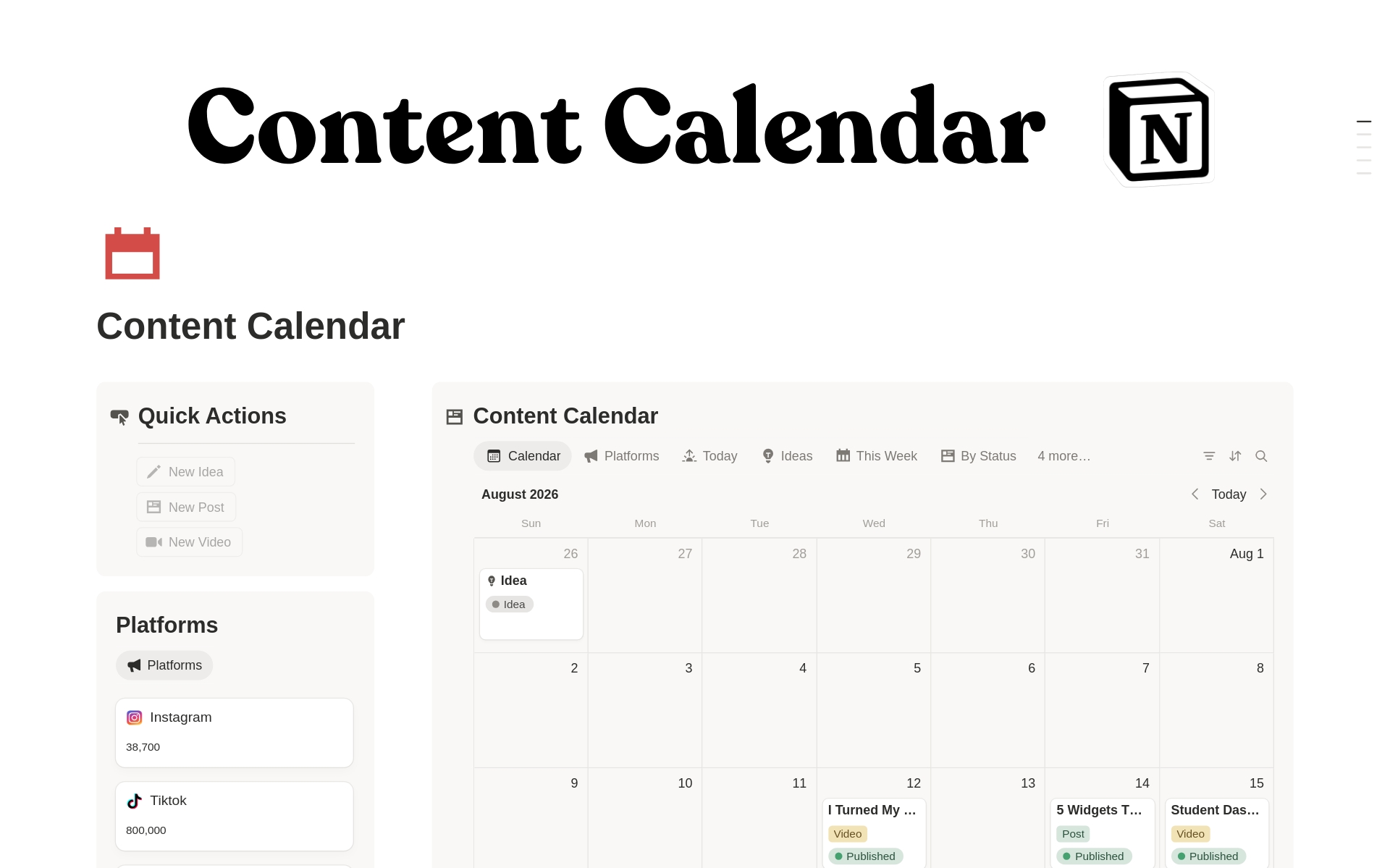
Content Calendar database to plan and manage all content pieces
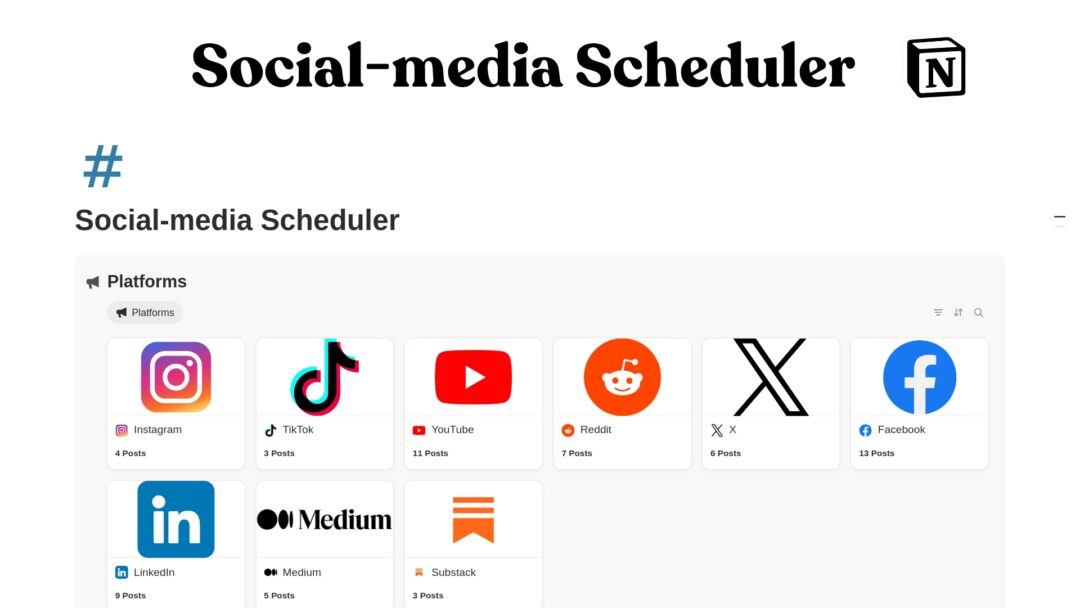
Platform tracker for organizing channels like Instagram, TikTok, YouTube, LinkedIn, Facebook, Reddit, blogs, newsletters, and more
Category database to group content by topic, format, or content pillar
Campaign tracker to plan launches, promotions, seasonal content, and marketing campaigns
Quick actions section for faster workflow navigation
Calendar-style planning view for scheduled content
Content pipeline structure to track status from idea to published
Multi-platform planning system for creators and businesses managing more than one channel
Clean dashboard layout built inside Notion
Customizable structure so you can adapt it to your niche, brand, or workflow
Who it is for
This template is ideal for:
Content creators
YouTubers
TikTok creators
Instagram creators
Bloggers
Newsletter writers
Freelancers
Social media managers
Small business owners
Digital product sellers
Coaches and consultants
Marketing teams
Personal brands
Agencies managing content for clients
If you create content regularly and need a better way to plan, schedule, and track it, this template is built for you.
What’s included
Inside the template, you get:
Main Content Calendar dashboard
Content Calendar database
Platforms database
Categories database
Campaigns database
Content planning views
Platform organization system
Campaign planning area
Category and content pillar organization
Quick action section
Clean Notion layout
Customizable workspace structure
You can use it as a simple editorial calendar or expand it into a full content management system.
How it works
Add your platforms Set up the channels you create content for, such as Instagram, TikTok, YouTube, LinkedIn, Facebook, Reddit, blog, podcast, or newsletter.
Create your content categories Organize your ideas by topic, pillar, niche, or format.
Plan your content items Add posts, videos, newsletters, campaigns, or other content pieces to the main calendar.
Assign dates and statuses Track what is planned, drafted, scheduled, published, or needs review.
Connect content to campaigns Group posts under launches, promotions, seasonal campaigns, or marketing goals.
Use the calendar to stay consistent View upcoming content clearly so you know what to create and publish next.
Use cases
You can use this Notion template to:
Plan a monthly social media calendar
Manage YouTube video ideas and publishing dates
Organize Instagram, TikTok, and LinkedIn posts
Track campaign content for launches or promotions
Build a content pipeline for your personal brand
Manage content for client accounts
Plan blog posts, newsletters, and podcast episodes
Organize content pillars and recurring themes
Track what has been published and what is still in progress
Create a simple content command center inside Notion
Requirements and compatibility
Requires a free or paid Notion account
Works on Notion desktop, web, tablet, and mobile
Compatible with Mac, Windows, iOS, Android, and web browsers
No coding required
No paid Notion plan required to use the basic template
Can be duplicated into your own Notion workspace
Fully customizable after purchase
Important notes
This is a digital Notion template, not a physical product.
You will receive access to a Notion template that you can duplicate into your own workspace.
Basic familiarity with Notion is helpful, but the template is designed to be beginner-friendly.
You can customize the databases, views, categories, platforms, and labels to match your workflow.
This template does not automatically publish content to social media platforms.
Results depend on how consistently you use and maintain your content system.
Call to action
Stop planning content in scattered notes and disconnected tools.
Use this Content Calendar Notion Template to organize your ideas, schedule your posts, manage campaigns, and build a consistent content workflow — all in one clean Notion workspace.
Duplicate the template today and start planning your content with more clarity and control.
FAQs
What is this Notion template for?
This template is for planning, organizing, and tracking content across multiple platforms. You can use it for social media posts, YouTube videos, blog content, newsletters, campaigns, and more.
Do I need a paid Notion account?
No. A free Notion account is enough to duplicate and use the template.
Can I customize the template?
Yes. You can edit the databases, views, properties, platforms, categories, campaigns, and layout to match your workflow.
Does this template publish content automatically?
No. This template helps you plan and manage your content, but it does not automatically publish posts to social media platforms.
Can I use this for multiple platforms?
Yes. The template includes a platform system so you can organize content for Instagram, TikTok, YouTube, LinkedIn, Facebook, Reddit, blogs, newsletters, podcasts, and more.
Is this template good for beginners?
Yes. The layout is designed to be clear and practical. You do not need advanced Notion knowledge to start using it.
Can teams use this template?
Yes. Teams, agencies, and social media managers can use it to manage content workflows, campaigns, and publishing schedules.
Can I use this for client content?
Yes. Freelancers and agencies can adapt the template to plan and manage content for client projects.
What happens after purchase?
After purchase, you will receive access to the Notion template link. Open the link, duplicate the template into your own Notion workspace, and start customizing it.
Is this a physical product?
No. This is a digital Notion template only. No physical item will be shipped.
Reviews
There are no reviews yet.
Only logged in customers who have purchased this product may leave a review.
 Student Dashboard Notion Template
1 × $0.00
Student Dashboard Notion Template
1 × $0.00 
Reviews
There are no reviews yet.